View LinkedIn Profiles Without Logging In
You want to view someone on LinkedIn but you don't have a profile and have no desire to create an account. 👀 The Problem You want to view someone on LinkedInht

You want to view someone on LinkedIn but you don't have a profile and have no desire to create an account. 👀
The Problem
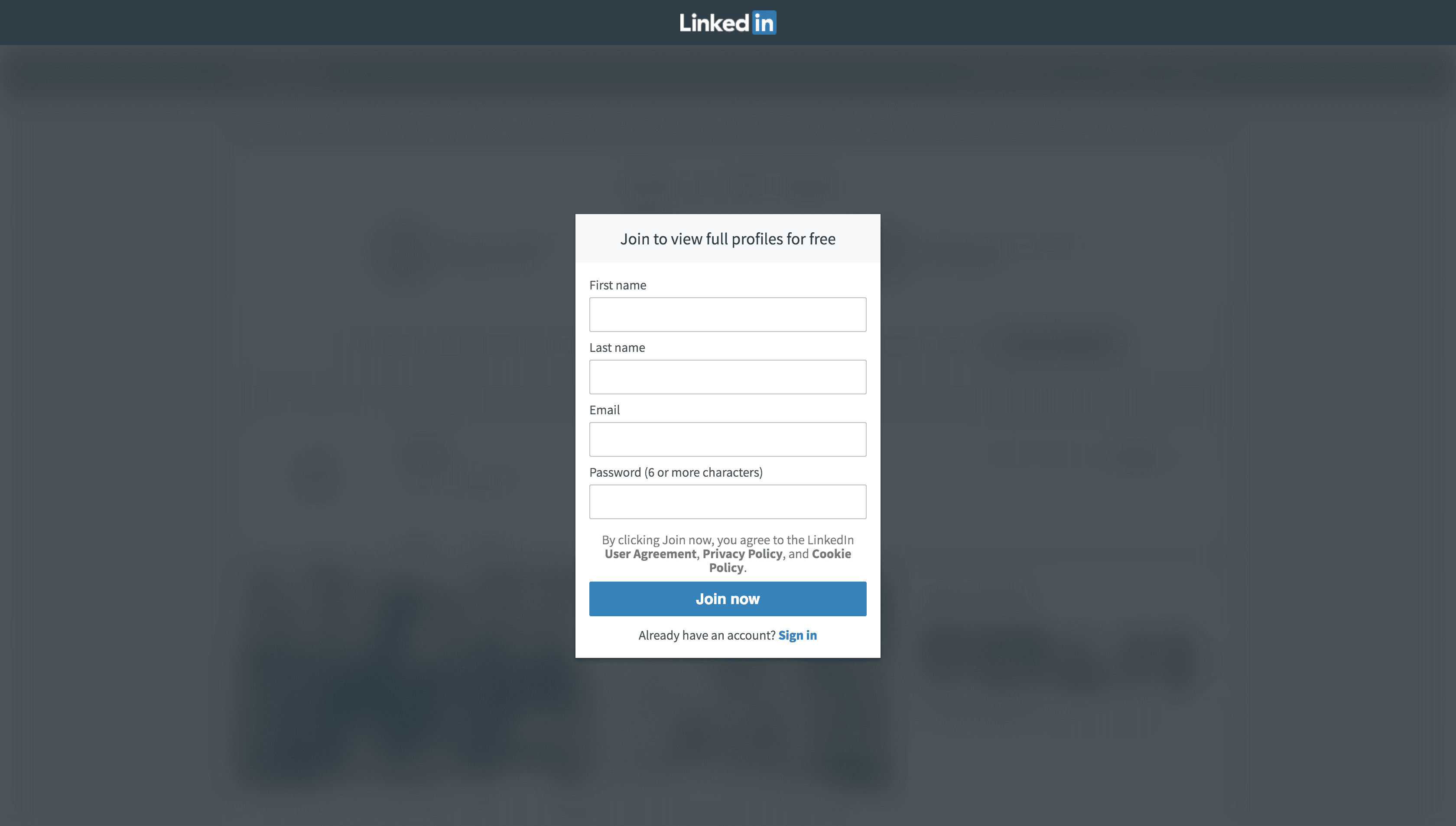
You want to view someone on LinkedIn but you don’t have a profile and have no desire to create an account.Or you want to view a profile but without the person knowing and you’re definitely not willing to spend all that cash on the premium upgrade which would allow you to do that (it’s $25+/month!!!). 💸 💸 💸Either way, LinkedIn wants you to sign in and will have an annoying popup that looks like the following:
 🔍 zoom
The Solution
Let’s get rid of this of this annoying popup and continue browsing profiles with 3 simple steps.
To Note. You will need to use Chrome.
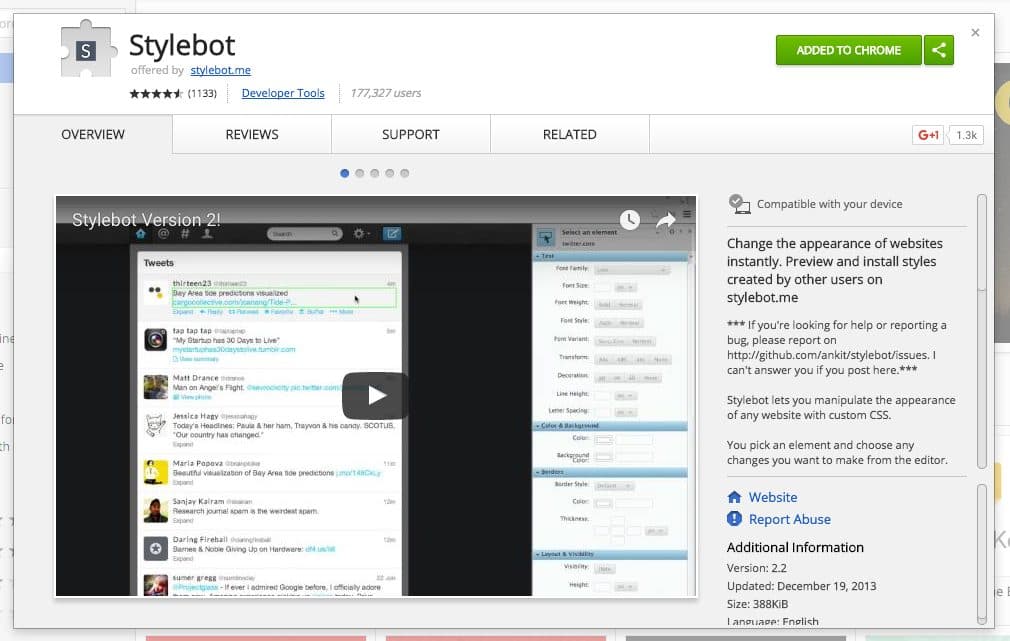
Step 1. Download StyleBot as a Chrome extension
 🔍 zoom
Step 2. Add a new style
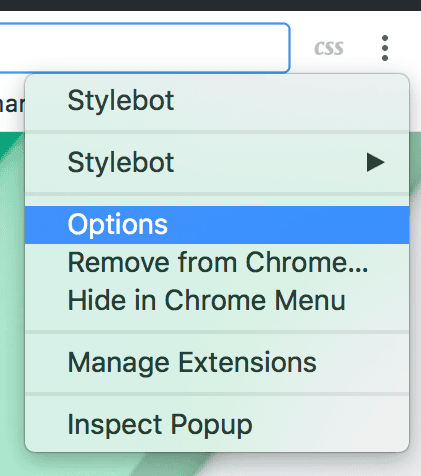
Click on the Stylebot extension and select Options.
 🔍 zoom
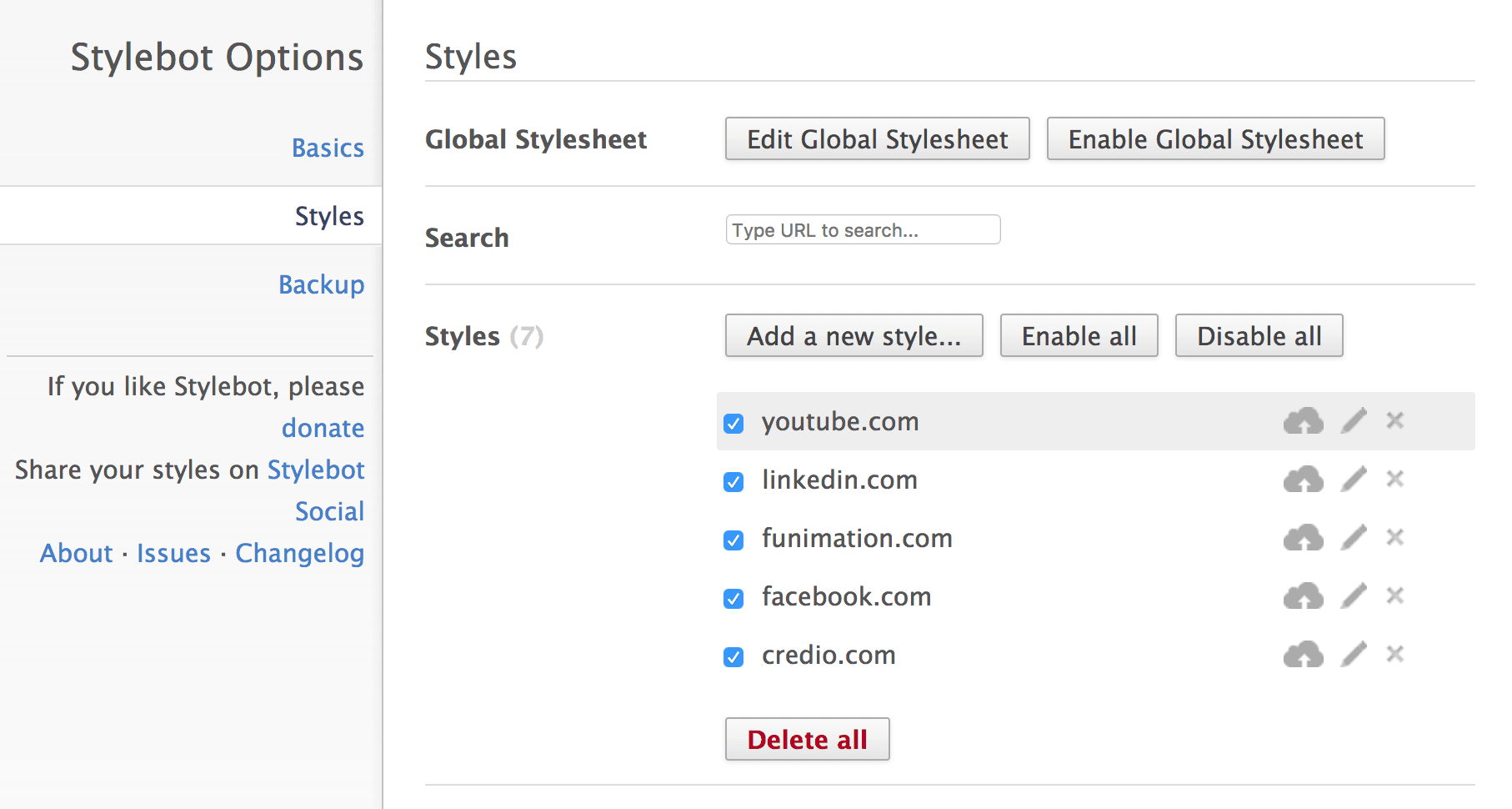
Select the Add a new style... button.
🔍 zoom
Select the Add a new style... button.
 🔍 zoom
Enter LinkedIn.com as the URL and the following CSS code.
🔍 zoom
Enter LinkedIn.com as the URL and the following CSS code.
Don’t forget to hit Save!
🔍 zoom
ad {
  display: none;
}

advocate-modal {
  background: none;
}

advocate-modal .modal-content {
  display: none;
}

.reg-upsell {
  display: none;
}

body.advocate-modal-visible {
  overflow: initial;
}
Step 3. That’s it! 😁
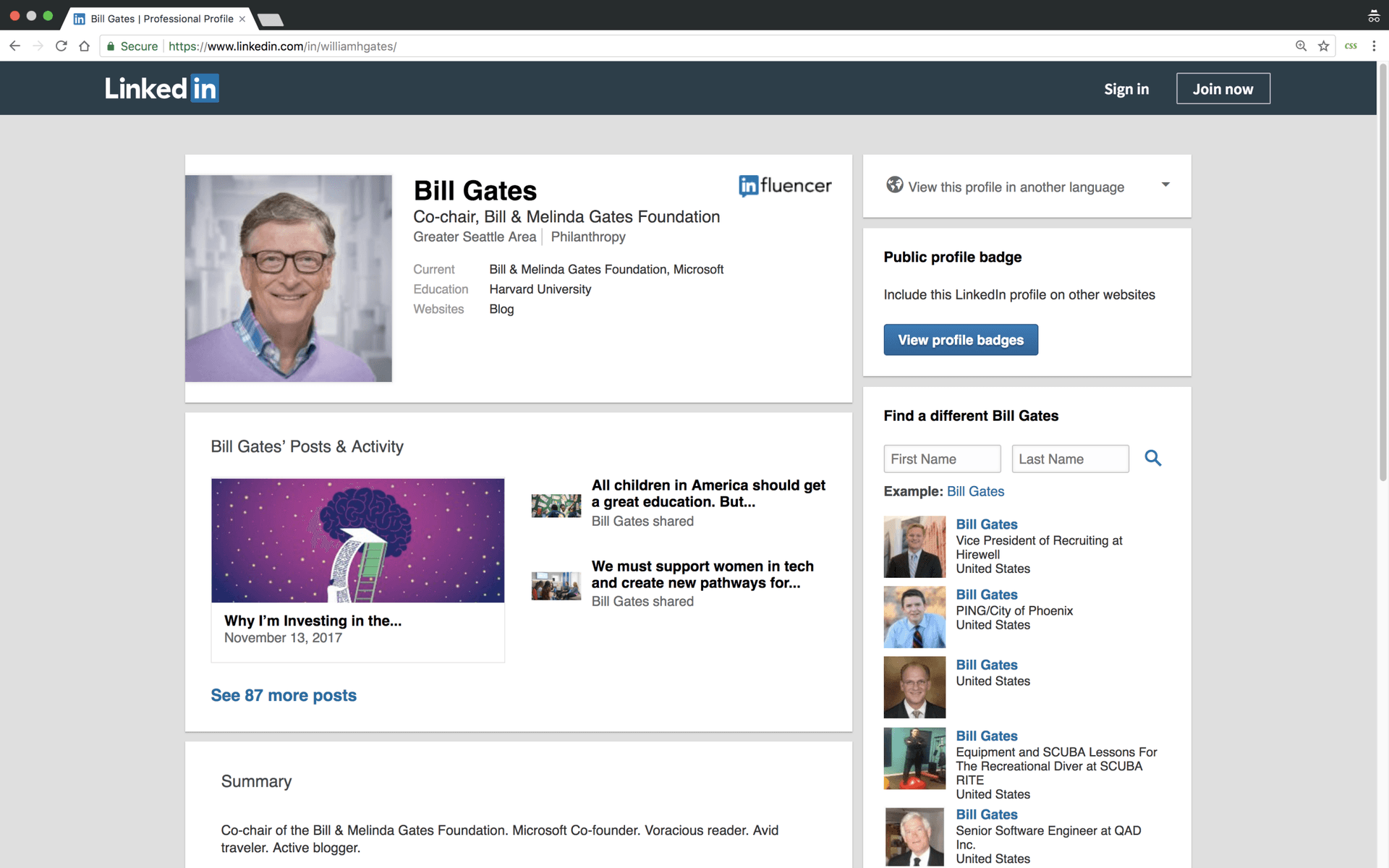
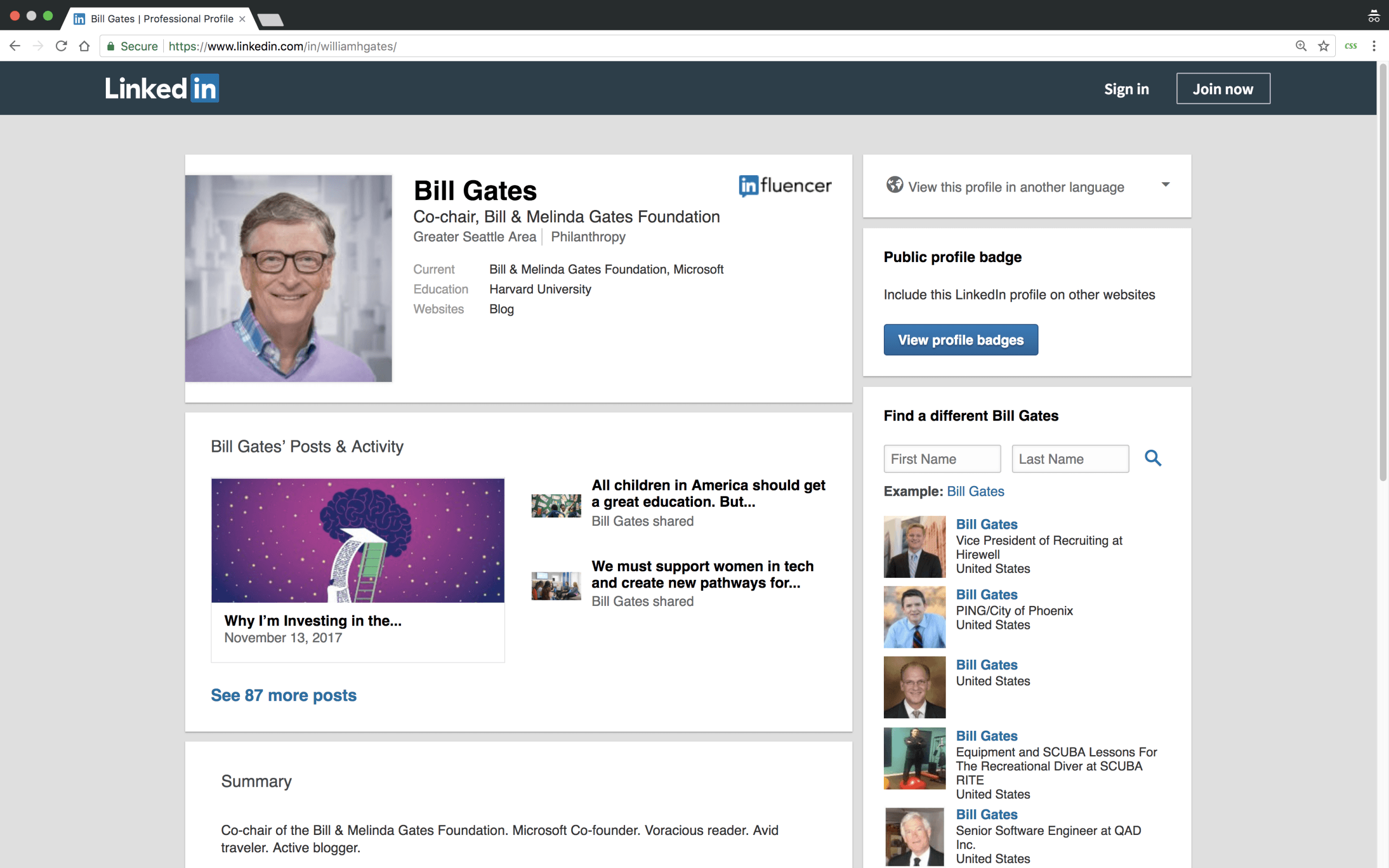 🔍 zoom> No more ads or popups!
Note in the screenshot above that I have the Stylebot extension enabled and am browsing in Incognito. This way, I can still be logged into LinkedIn but whenever I need to, I can also discretely view profiles without letting the other person know.
🔍 zoom> No more ads or popups!
Note in the screenshot above that I have the Stylebot extension enabled and am browsing in Incognito. This way, I can still be logged into LinkedIn but whenever I need to, I can also discretely view profiles without letting the other person know.
Troubleshooting
If you are still seeing the annoying popup, make sure that the Stylebot extension is enabled and refresh the page. Also, make sure the URL of the profile you want to view is formatted as
or you may still end up seeing the popup.
Tags 🏷️